
Important Urgent Chart
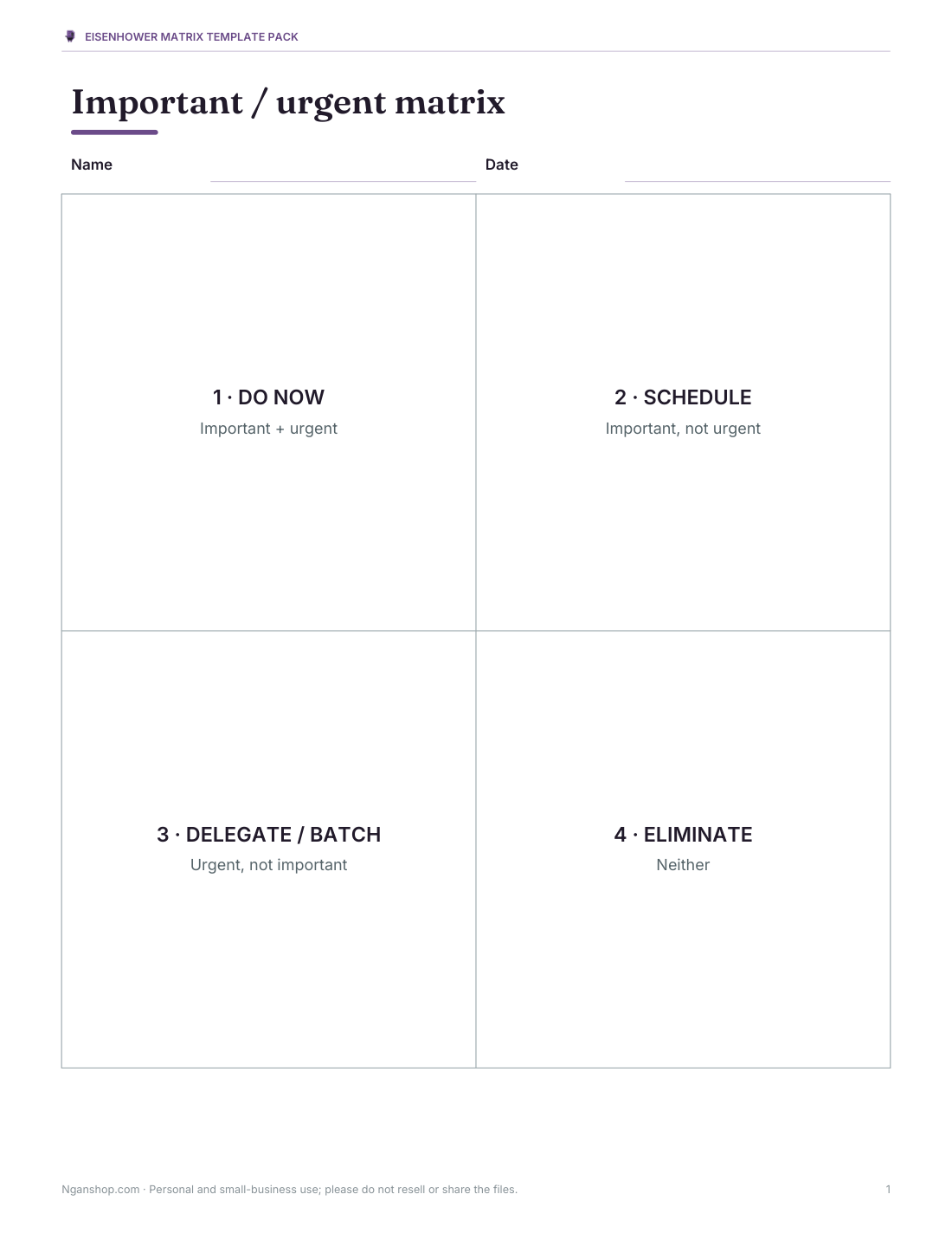
The important–urgent chart, often called the Eisenhower matrix, sorts tasks into four boxes: important and urgent (do now), important but not urgent (schedule), urgent but not important (delegate or batch), and neither (drop). These templates give you clean printable matrices for the day or week, examples for different roles, and an Excel list that places each task in the right quadrant automatically.
- Instant download
- Editable Word & Excel
- Print-ready PDF
- 7-day refund
5 files · PDF, DOCX, XLSX
Eisenhower Matrix Template Pack
Printable important–urgent matrices (classic, daily, weekly, student), and an Excel task sorter that assigns quadrants automatically.
- Classic matrix (PDF/DOCX)
- Daily matrix (PDF/DOCX)
- Weekly matrix (PDF/DOCX)
- + 2 more
$5.00 USD, one-time 5 files · about $1.00 each
- Instant download
- 7-day refund
- Secure checkout by Stripe
7-day money-back guarantee. Full refund within 7 days of purchase, even after you download.
Free sample: Eisenhower Matrix Classic (PDF, 65 KB)
Eisenhower Matrix Template Pack
Printable important–urgent matrices (classic, daily, weekly, student), and an Excel task sorter that assigns quadrants automatically.
- Classic matrix (PDF/DOCX)
- Daily matrix (PDF/DOCX)
- Weekly matrix (PDF/DOCX)
- Student practice (PDF, DOCX)
- Excel sorter (XLSX)
Formats: PDF, DOCX, XLSX. Instant download after payment (link valid 72 hours, up to 5 downloads). AI-assisted: the templates were drafted with AI help and reviewed and laid out before publishing.
$5.00 USD, one-time 5 files · about $1.00 each
- Instant download
- 7-day refund
- Secure checkout by Stripe
7-day money-back guarantee. Full refund within 7 days of purchase, even after you download.
Free sample: Eisenhower Matrix Classic (PDF, 65 KB)
Full refund within 7 days — see the refund policy and license.
Free printables
Single sheets you can print right now, no sign-up. The full pack adds every sheet in one download plus the editable files.
 Printable Classic Important Urgent Matrix
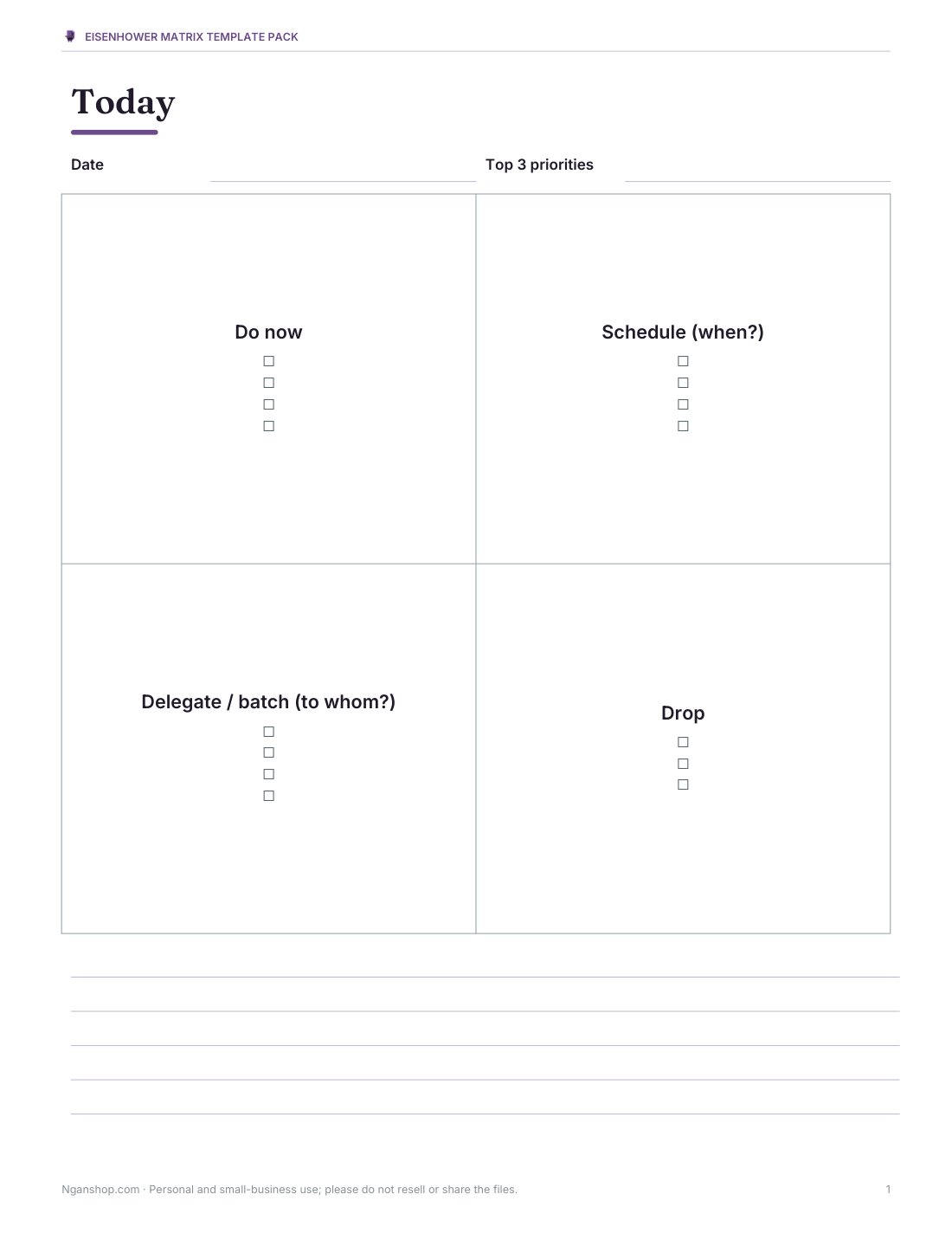
 Printable Daily Priority Matrix
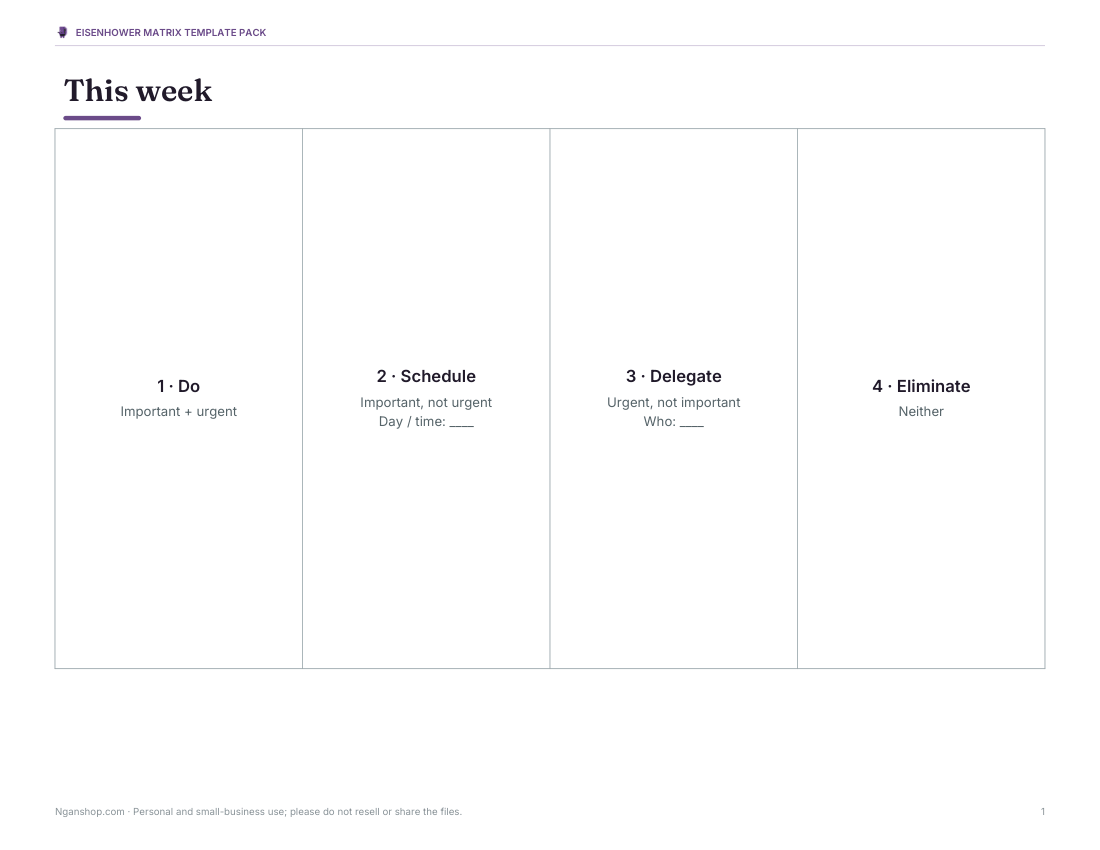
 Printable Weekly Matrix Chart
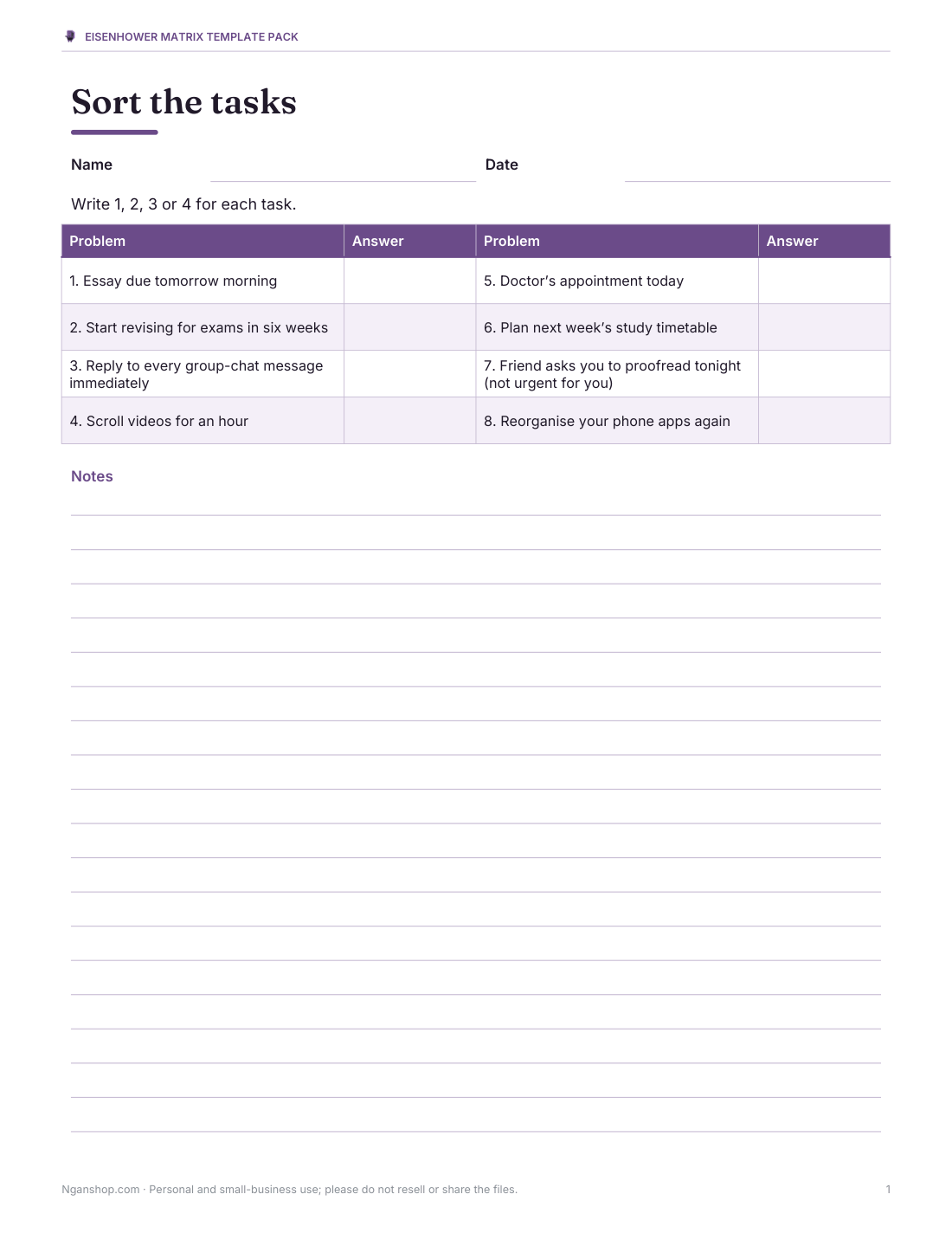
 Printable Important Urgent Chart
 Printable Excel Sorter Chart
The four quadrants
| Quadrant | Important? | Urgent? | Action | Examples |
|---|---|---|---|---|
| 1 — Do | Yes | Yes | Do it now | Deadline today, a real crisis, a sick child |
| 2 — Schedule | Yes | No | Put it in the calendar | Planning, learning, exercise, relationships, preventing problems |
| 3 — Delegate | No | Yes | Hand off, batch or minimise | Many interruptions, some emails and meetings, others’ minor requests |
| 4 — Eliminate | No | No | Drop or limit | Mindless scrolling, busywork, low-value habits |
Important vs urgent
Urgent tasks demand attention now — they have a deadline or someone is waiting. Important tasks contribute to your long-term goals, values or responsibilities. The trap is spending all day on urgent-but-unimportant things (quadrant 3) and never reaching important-but-not-urgent work (quadrant 2), which is where planning, learning and prevention live. The goal of the matrix is to protect time for quadrant 2 so fewer things become crises in quadrant 1.
How to use the matrix
- Write down every task on your mind — a brain dump.
- For each task ask: does this move an important goal or responsibility forward? Is there a real deadline soon?
- Place it in the matching quadrant.
- Do quadrant 1 tasks first; book time for quadrant 2 in your calendar.
- Delegate, batch or shrink quadrant 3; delete or limit quadrant 4.
- Repeat daily or weekly — tasks move between quadrants as deadlines approach.
Worked example: a week at work
| Task | Important | Urgent | Quadrant |
|---|---|---|---|
| Client report due tomorrow | Yes | Yes | 1 — Do |
| Plan next quarter’s projects | Yes | No | 2 — Schedule |
| Learn the new analytics tool | Yes | No | 2 — Schedule |
| Reply to routine meeting invitations | No | Yes | 3 — Delegate / batch |
| Reorganise desktop icons | No | No | 4 — Eliminate |
| Fix a bug stopping customer orders | Yes | Yes | 1 — Do |
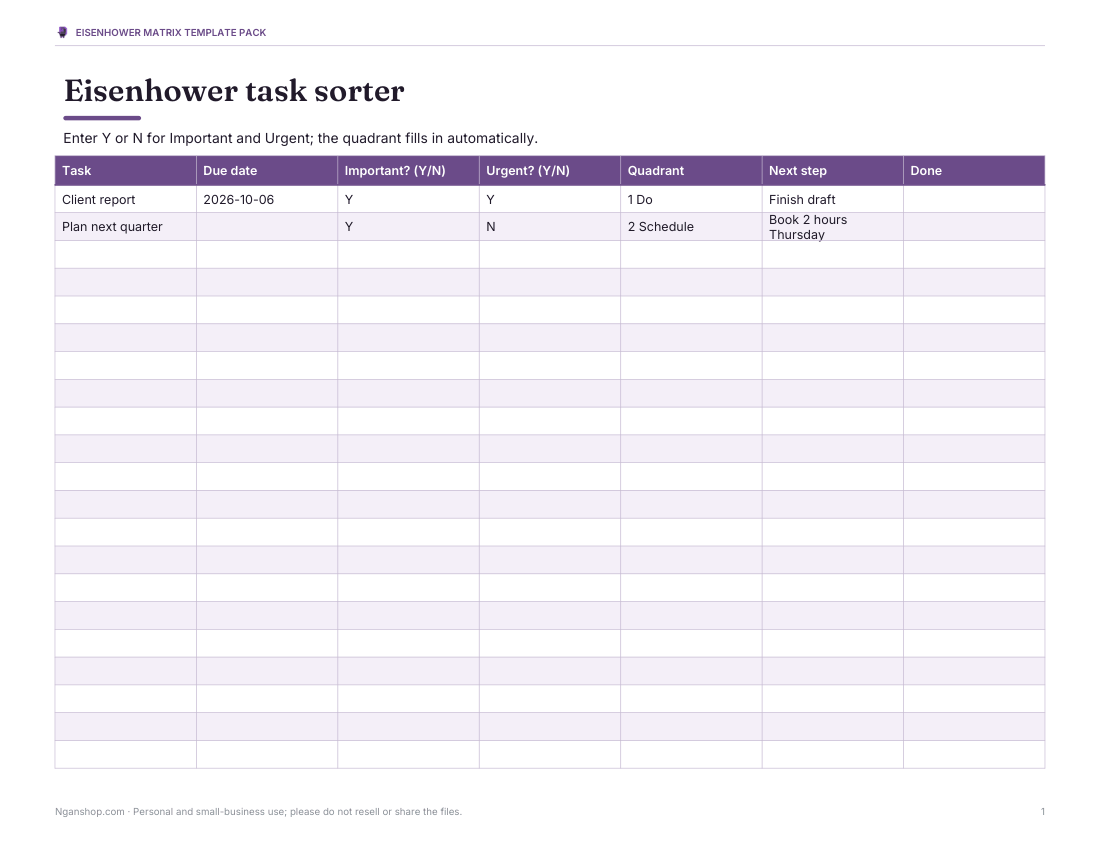
The Excel sorter asks the same two yes/no questions for each task and fills in the quadrant for you, so you can sort or filter the list by what to do next.
Templates in the pack
- Classic four-box matrix — one page with lined quadrants.
- Daily matrix — with top three priorities and a notes strip.
- Weekly matrix — larger boxes and a “schedule it” column for quadrant 2 tasks.
- Student version — examples for assignments, revision and activities.
- Excel task sorter — task, due date, important (Y/N), urgent (Y/N) and automatic quadrant.
Common mistakes
- Marking everything as important — be honest about what really matters.
- Confusing “someone asked me” with “urgent”.
- Leaving quadrant 2 tasks unscheduled; they never happen by themselves.
- Delegating without clear instructions or a check-in.
- Treating the matrix as a one-off exercise instead of a regular habit.
For students and families
For students, quadrant 1 is tomorrow’s assignment; quadrant 2 is steady revision, reading ahead and sleep; quadrant 3 is many group-chat messages; quadrant 4 is endless scrolling. Families can use a shared matrix on the fridge to sort household jobs and decide what can wait or be skipped.
Formats and printing
Templates print on US Letter and A4 as PDF and editable Word files; the task sorter is an Excel workbook that also opens in Google Sheets.
AI-assisted content
Templates and examples were drafted with AI assistance and reviewed before publishing.
Frequently asked questions
What is the important–urgent chart?
A 2 × 2 matrix (the Eisenhower matrix) that sorts tasks by importance and urgency.
What goes in quadrant 2?
Important but not urgent tasks, such as planning, learning and prevention.
What should I delegate?
Urgent but less important tasks that others can handle, or that can be batched.
How often should I use it?
Daily for tasks, weekly for planning.
Does the Excel version sort tasks automatically?
Yes, from your yes/no answers.
Why is it called the Eisenhower matrix?
It is named after US President Dwight D. Eisenhower, who is often quoted on the difference between urgent and important matters.
Is this a subscription?
No, it is a one-time download.